
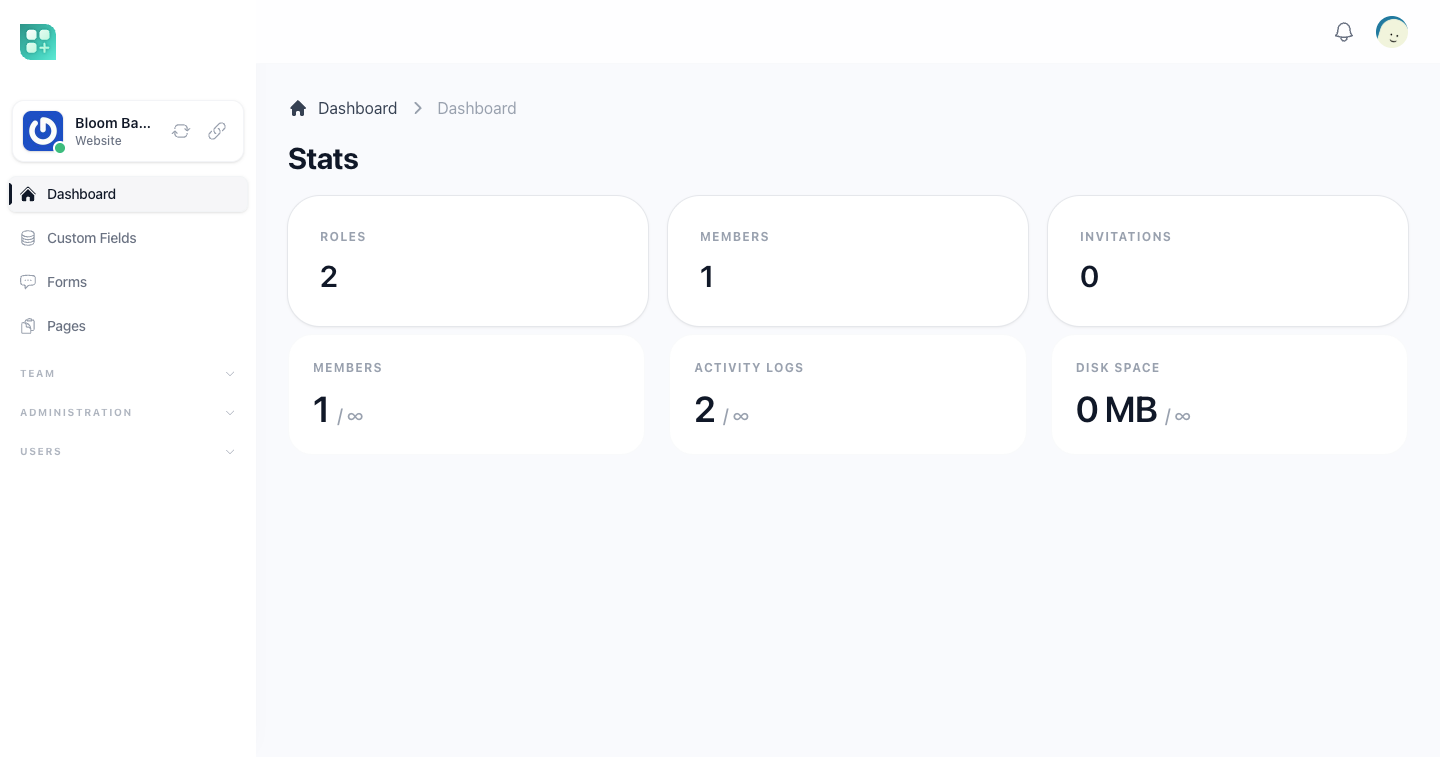
Weblabor Builder is Weblabor Teams with a website for every team. You clone it, build your product on it and merge Teams into it for as long as the project lives. Read this first to know what the website layer adds, what it changes in Teams, and which guide covers each part.
What it is built on
Everything Weblabor Teams ships is in this kit, unchanged: teams and the team switcher, members and invitations, roles per team, plans and billing per team, the team file library and its quota. Through Teams, everything Weblabor Base ships is in it too: accounts and sign-in, the admin panel, notifications, two languages, the PWA and this help centre. None of it is documented again here. Teams has its own site at teams.wbor.dev, with its help centre at teams.wbor.dev/help, and the base's is at base.wbor.dev/help.
The documentation and the landing of Teams and the base stay in the repository, untouched and unused. Everything about the website is kept apart from them, so a merge from Teams never fights it.
What the website layer adds
- Pages. Each team writes its site as Blade pages from a code editor on the Pages screen of its workspace: a layout that wraps them, an address per page, SEO fields, a header and a footer block per page, and backups. See Pages and layouts.
- Themes. A new team starts with the pages of the default theme, and imports any theme in your repository with Import Theme on the pages screen. See Import a theme.
- Forms and entries. A plain HTML form in a page, posted to the site, is validated from its own attributes, stored as an entry and emailed. See Forms and entries.
- Custom fields. The team adds its own fields to its pages. See Custom fields.
- Domains. A free subdomain of the domains you offer, or the team's own domain with DNS instructions and a checker. The provisioning of a free subdomain's DNS record, server entry and certificate exists in the kit, but it only runs for a subdomain that already has a domain record, and no screen creates that record today. See Domains and SSL.
- Site settings and visitors. Icon, language and reCAPTCHA keys per site, and the list of people who signed in on it. See Site settings and visitors.
- The public site. Every team's domain serves its pages, resolved from the address that was asked for. See The public site.
What it changes in Teams
| In Weblabor Teams | In Weblabor Builder |
|---|---|
| The application answers on one domain. | The admin panel and the application's own screens answer only on the application's main domain. Every other domain is a team's site, which also serves that team's workspace. |
team() is the team the signed-in person is working in. |
team() is first the team whose site is being visited, and only then the team the person is working in. |
| A team has a name, a description and a logo. | A team also has a URL, the address of its site, and a set of site settings. |
| A new team gets its roles and its root media folder. | A new team also gets the pages of the default theme. |
| Signing in only signs a person in. | Signing in or registering on a team's site also records the person as a visitor of that team. |
What the kit is good for
A product where each customer publishes a website of their own: stores, invitations, portfolios, restaurant menus, event pages. A product where you, the developer, want to write the templates in Blade and let each customer adjust them.
What it is not for
A visual, drag-and-drop page builder for people who do not write code: the editor is a code editor. Selling products or taking payments from the visitors of a team's site: the billing in the kit is between you and the team, never between the team and its visitors.
Where to go next
- Get it running on the base's site, which applies as it is, then Configure teams on the Teams site, then Configure the builder for the keys the website layer adds.
- The public site before writing any code that runs on a team's domain.
- Pages and layouts for what the team sees first.